uncategorised Examples
The theatre provides a presentation layer for files in the
theatre/directory
The theatre files showcase Polypoint features.
The files within this directory are just standard JavaScript files.
They work in a standard setup, but the Polypoint site will access additional meta data within the file, such as title and imports.
Checkout the source code within the theatre directory or run one of the examples.
uncategorised: 129 Examples
Theatre files
-
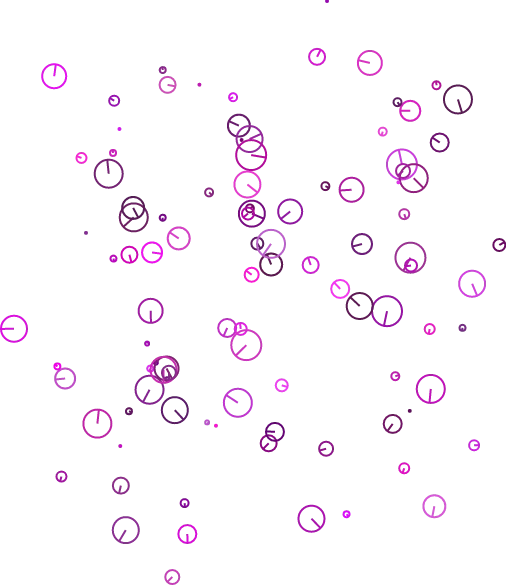 Small walking points move and rotate automatically across the screen with smooth transitions.
 -
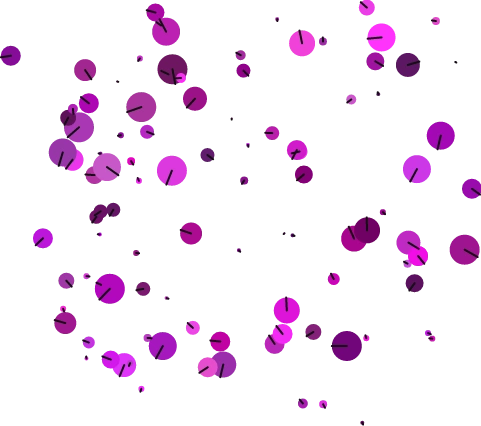 Smoothly transition a single point while shifting all other points in the scene to maintain focus.
 -
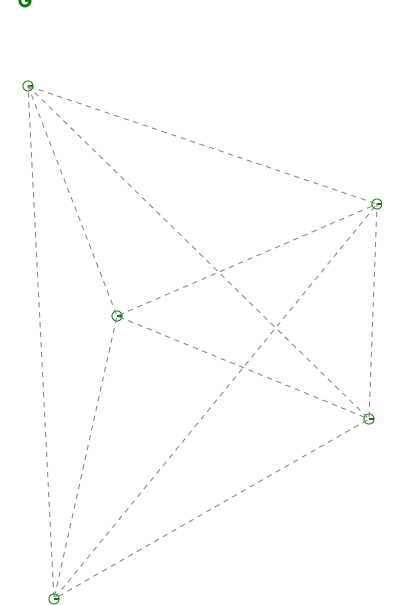 Create dynamic mesh networks and interactive point connections with automated line rendering.
 -
 Link a point to a control point where movement and radius update based on mutual proximity.
 -
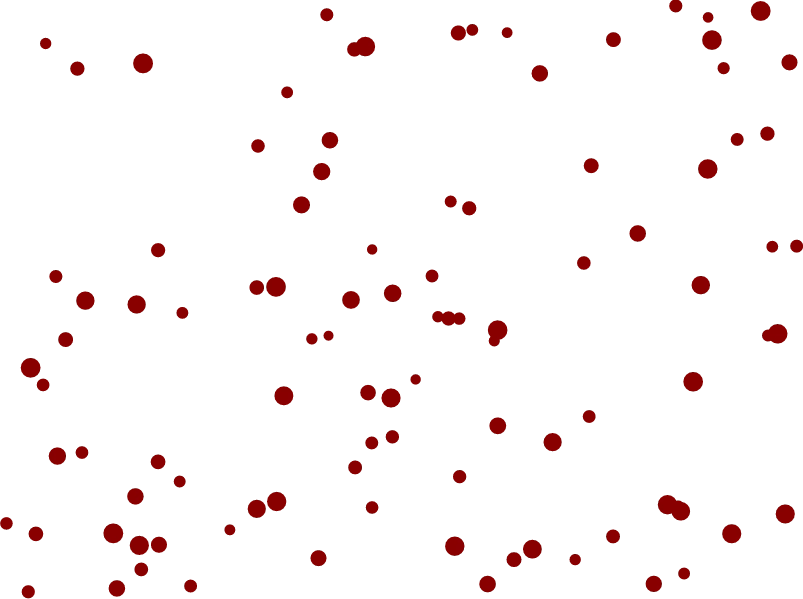 Select and scale points using a dynamic drag-to-box selection tool with center-of-mass handling.
 -
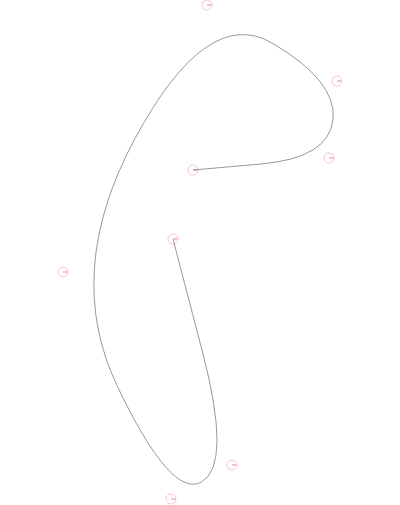 Add points via clicks or buttons and draw pink quad curves between them on a canvas stage.
 -
Simulate double pendulum physics with a multi-segment tail using gravity and angular damping.
-
Simulates multi-joint pendulum physics with chaotic motion, gravity, and adaptive sub-stepping.
-
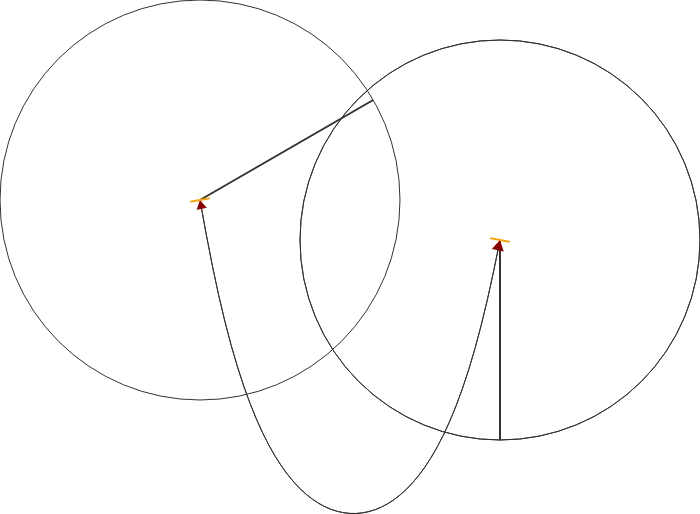 Interactive demo of Catenary Curves with draggable points and real-time rendering.
 -
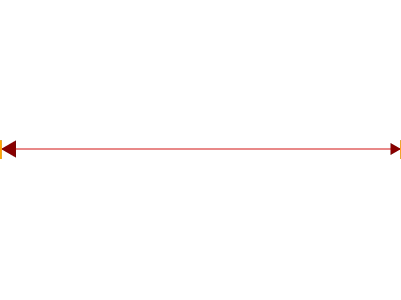 A clear example demonstrating how to create and render a dynamic line between points on the stage.
 -
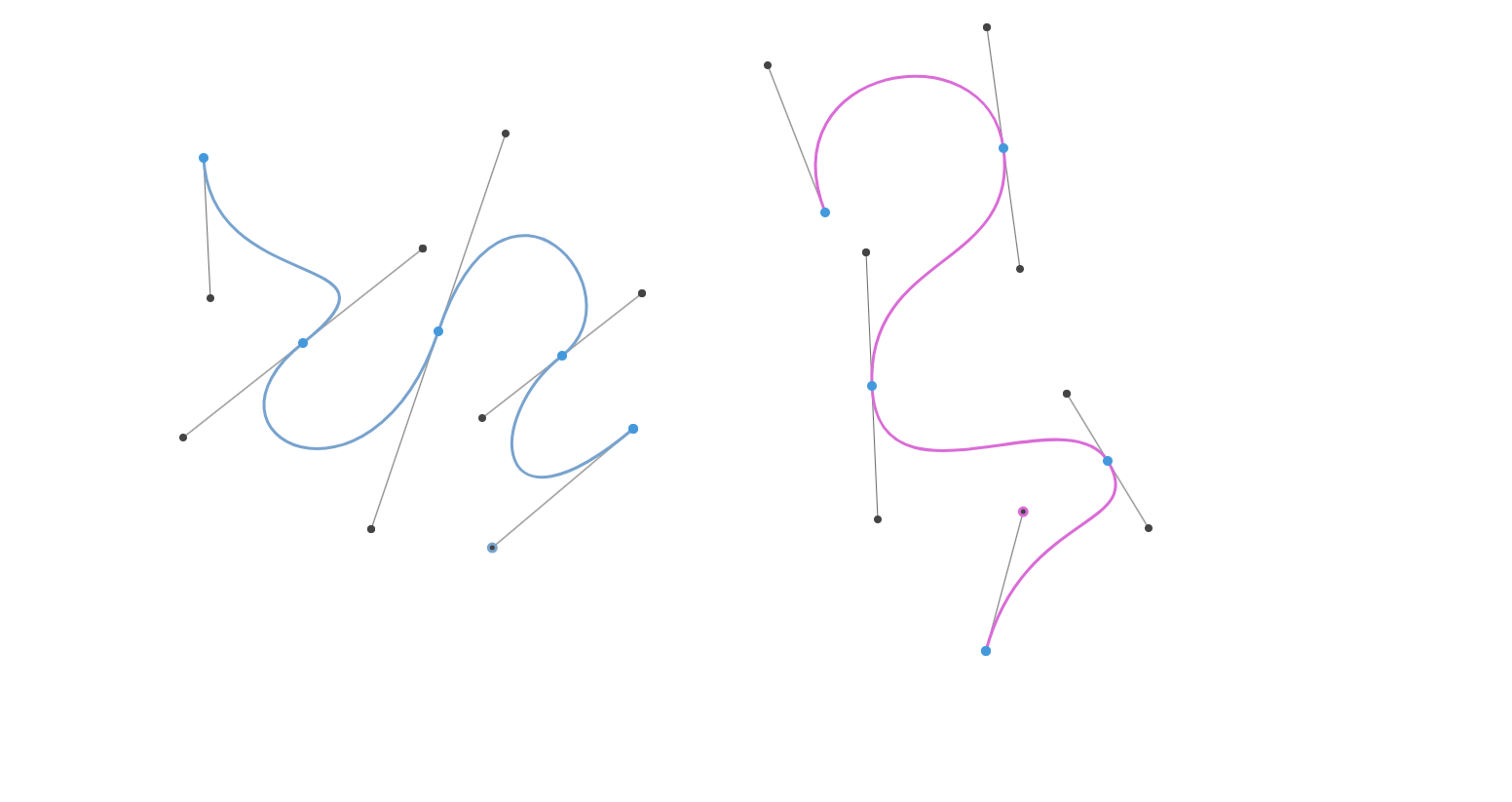
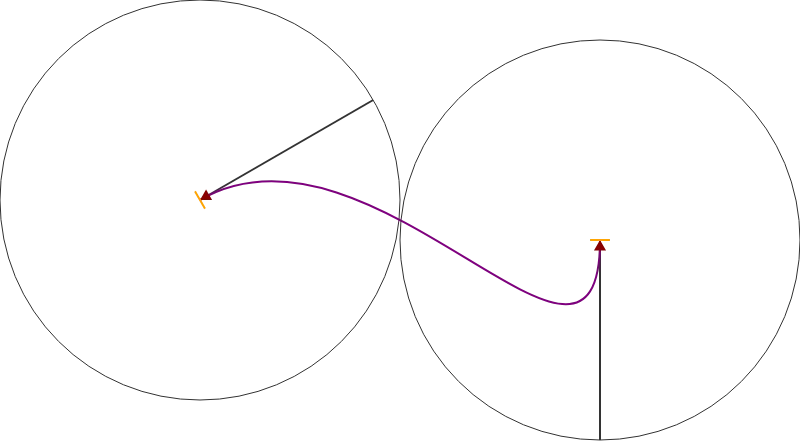 Render and manipulate smooth Bezier curves with interactive point dragging and visual indicators.
 -
Efficiently manage and query 2D spatial data using recursive Quadtree partitioning.
-
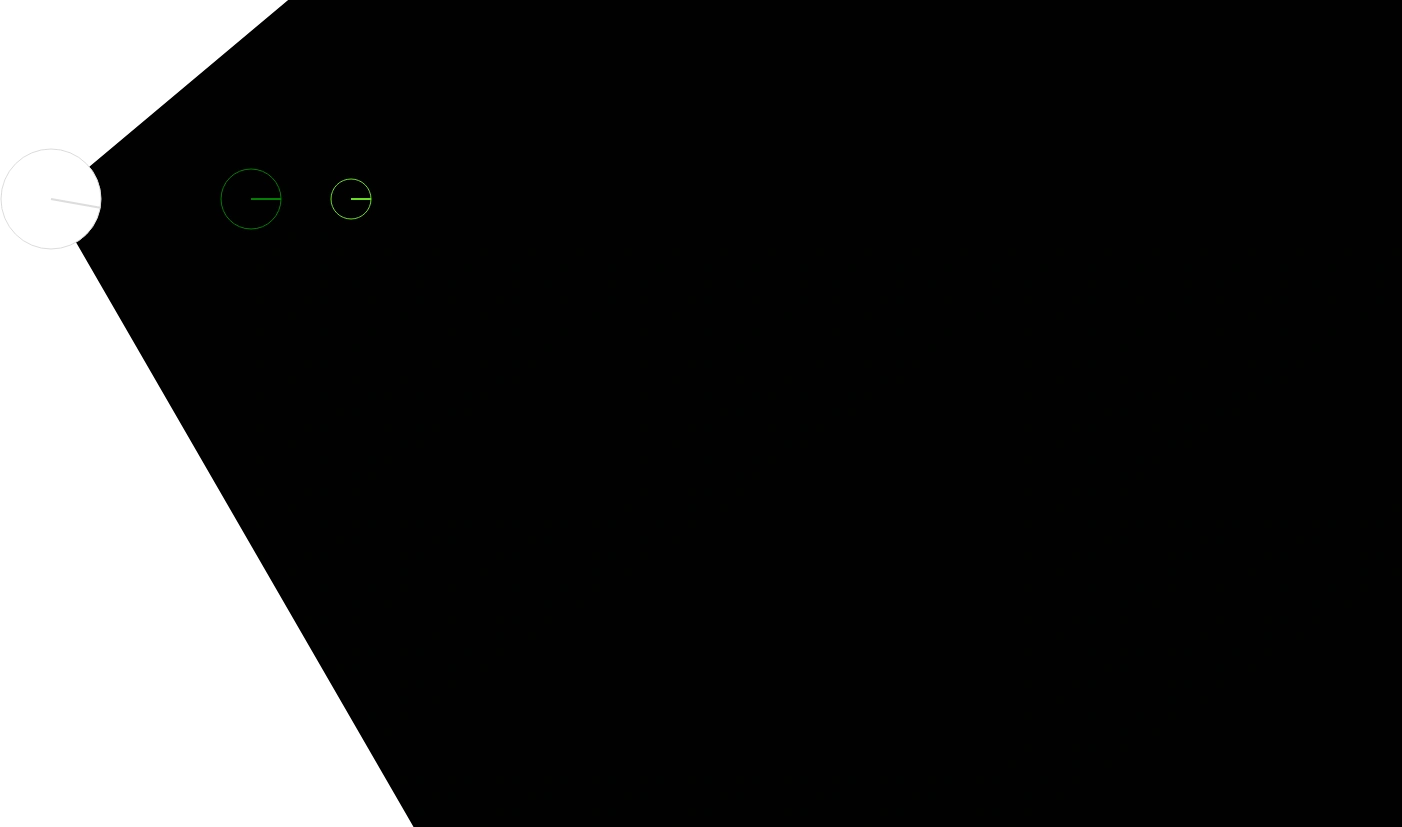 Create joints with angular limits by constraining point rotation within a defined cone.
 -
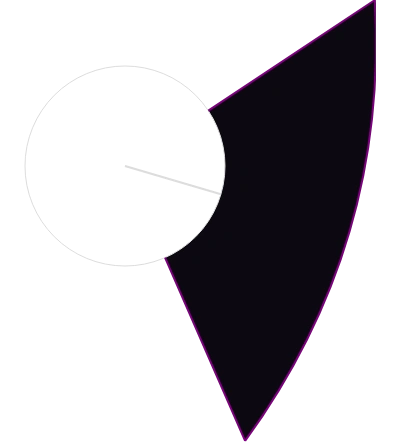 Render a dynamic, curved projected cone with interactive hit detection and custom outlines.
 -
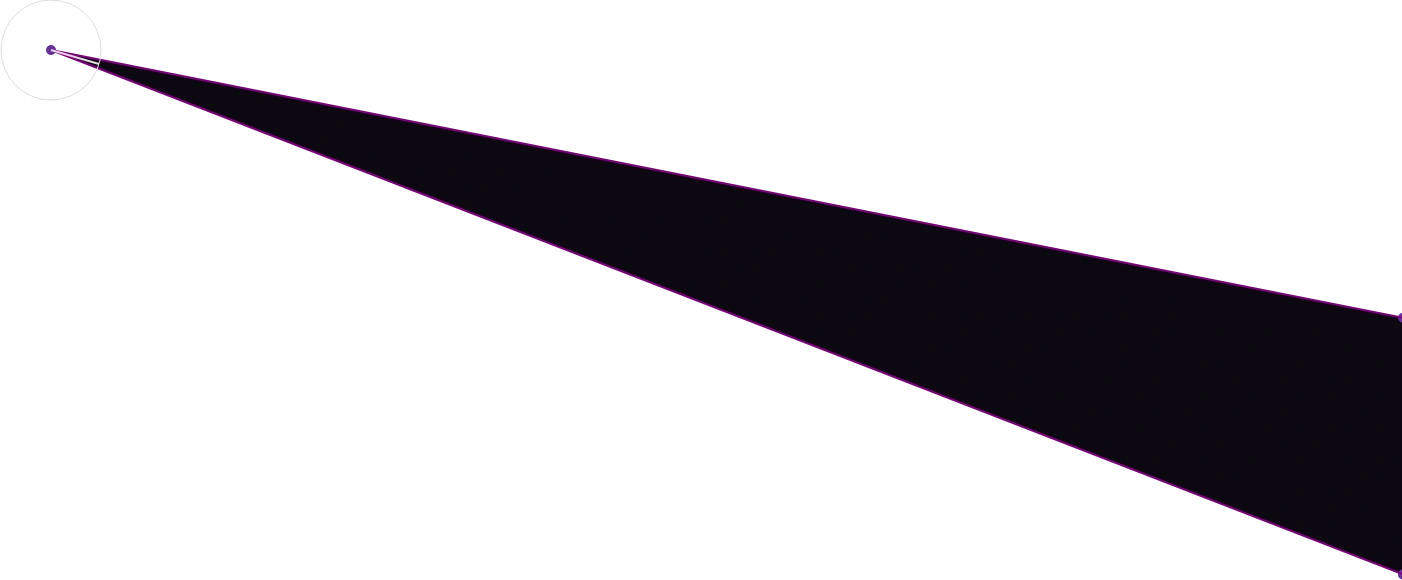 Renders a dynamic projected cone with wall-intersection logic and interactive rotation.
 -
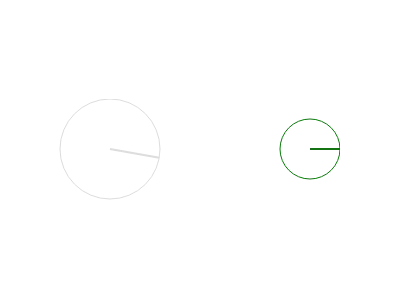 Simulate realistic joint movement where parent points rotate based on child point drag resistance.
 -
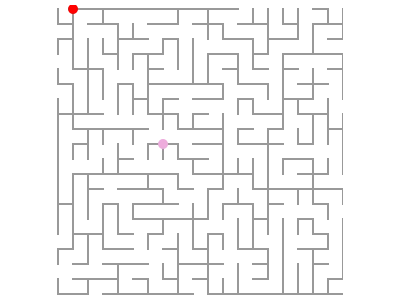 Experience seamless coordinate transformation and wide-scale origin shifting for complex canvas layouts.
 -
 Renders inverted maze walls from JSON data by computing boundaries between grid cells.
 -
 A grid-based maze stage that dynamically generates walls and paths for navigation.
 -
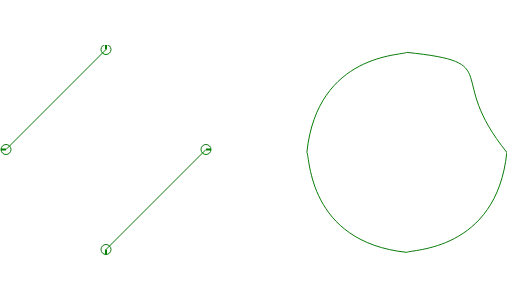 An experimental stage featuring dynamic Bezier curves and synchronized point rotations.
 -
Experimental stage for managing and animating point directions with dynamic rotation logic.
-
A dynamic SVG path command builder that simplifies creating relative and absolute path data.
-
 Experimental kinematics demo calculating elbow positions and polar coordinate transformations.
 -
 Draw connected lines and perform real-time "point within polygon" hit tests for interactive fills.
 -
 Manage UI components like buttons and sliders to control real-time stage animations.
 -
Real-time Voice Activity Detection (VAD) to monitor, capture, and play back speech samples as WAV files.
-
A dynamic Three Point Line stage featuring interactive dragging and real-time gradient updates.
-
 A solar system visualization featuring orbital data, radial gradients, and planetary scaling.
 -
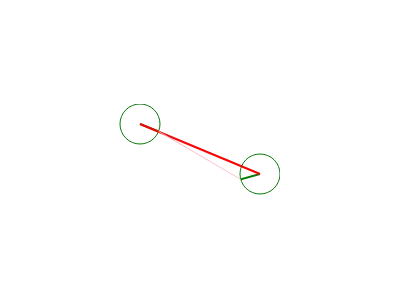 Render dynamic straight line connections and projected paths between point sets in real-time.
 -
 Create repetitive patterns by stamping point-based shapes across the stage canvas.
 -
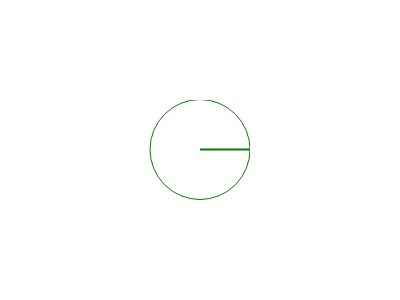 Responsive stage that automatically scales its canvas dimensions to match the global window size.
 -
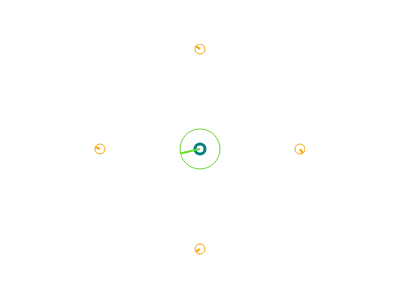 A basic stage setup to generate, weight, and visualize points and their center of mass.
 -
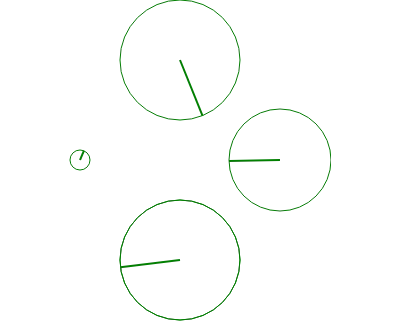 Manage dynamic point stacks and coordinate complex stage movements with real-time interactions.
 -
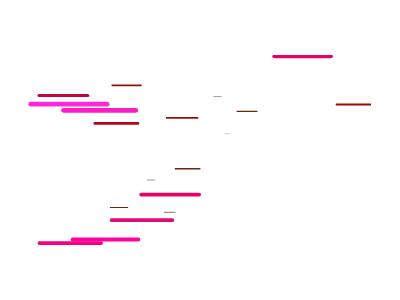 A dynamic stage featuring a randomized swarm of jiggling points with varying scales and hues.
 -
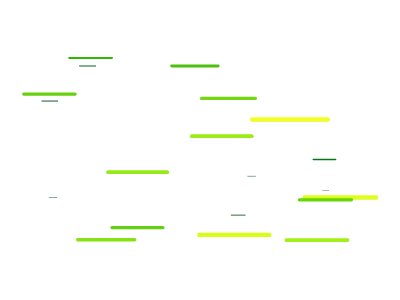 Generate dynamic, jittering line distributions with randomized hues and varying radii on click.
 -
 Click to trigger a growing circle that changes the background color once finished.
 -
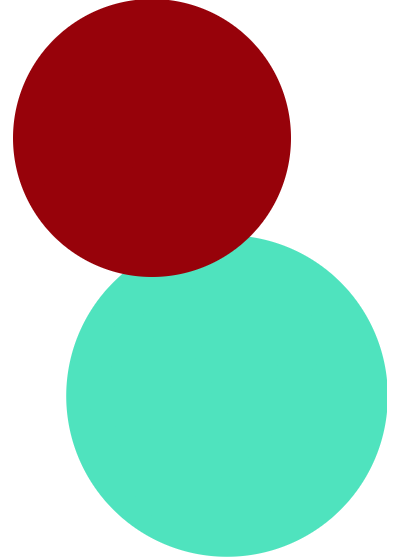 Create dynamic "Splat" effects by clicking to spawn and animate expanding points with easing.
 -
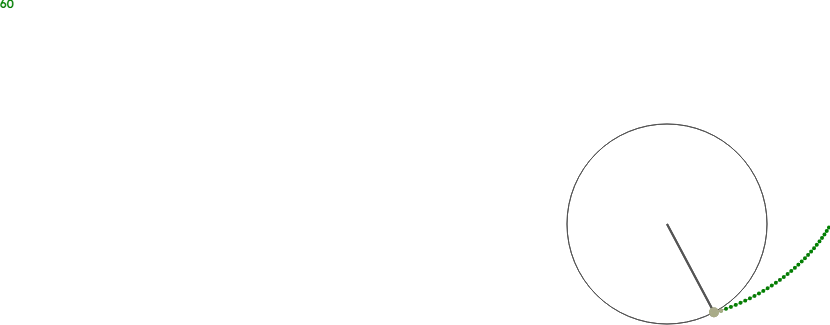 Draw a rotating spiral path that leaves a trailing line of points across the screen.
 -
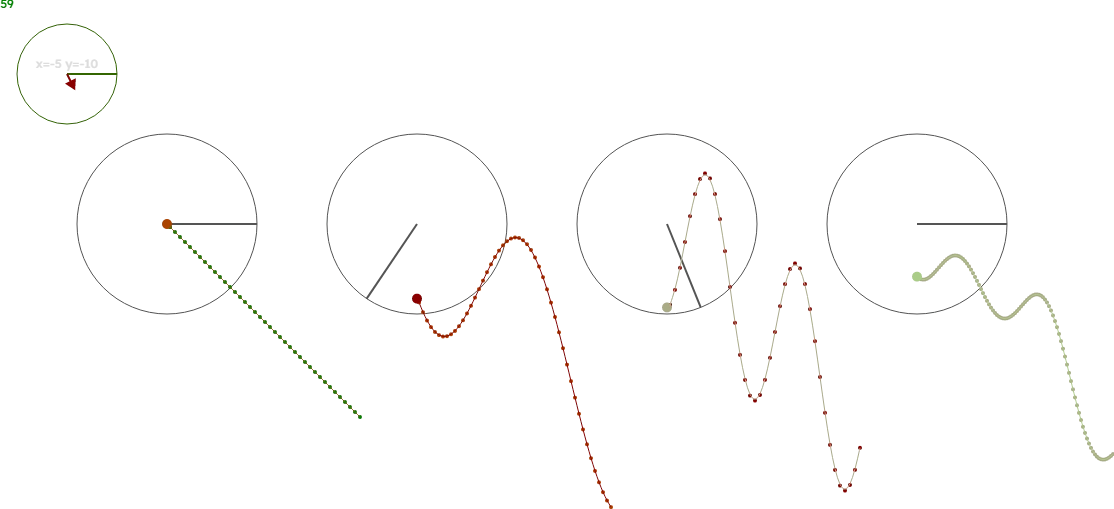 Capture and visualize XY RAD rotation data to create dynamic timestep captures and spline walks.
 -
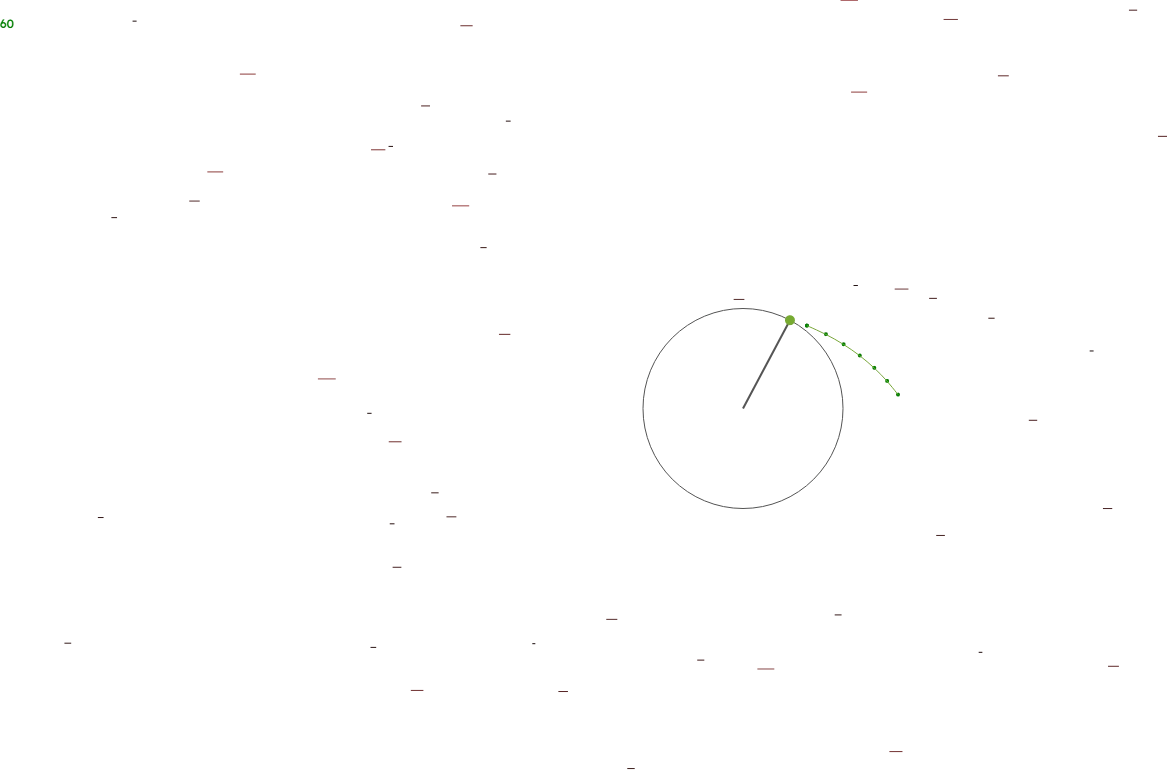 A dynamic starfield and spinning plotter featuring velocity-based motion and radial plotting.
 -
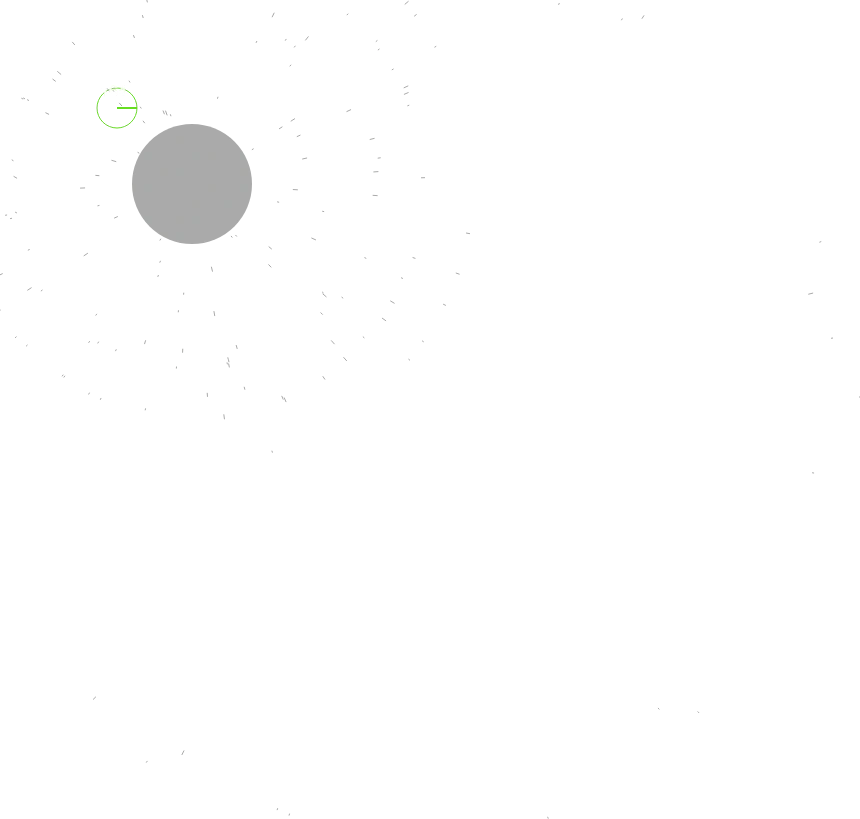 A dynamic particle emitter that adjusts birthrate and velocity based on point speed.
 -
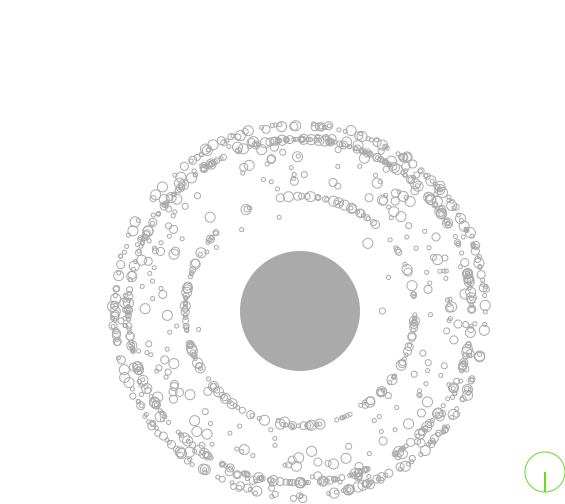 Dynamic particle emitter that scales speed and density based on point velocity.
 -
Capture canvas frames and upload them to a server to generate animated GIFs.
-
A screen-locked point system that tracks and maps relative coordinates to the global viewport.
-
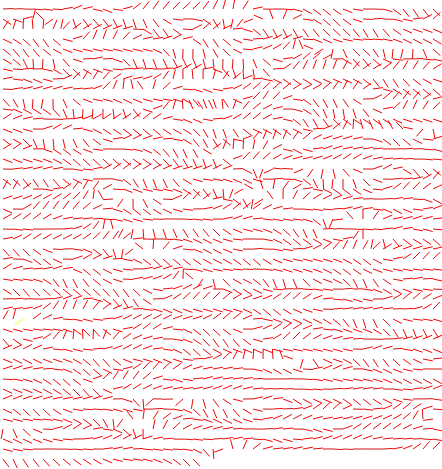 A dynamic grid of points that synchronizes their rotations based on neighboring angles.
 -
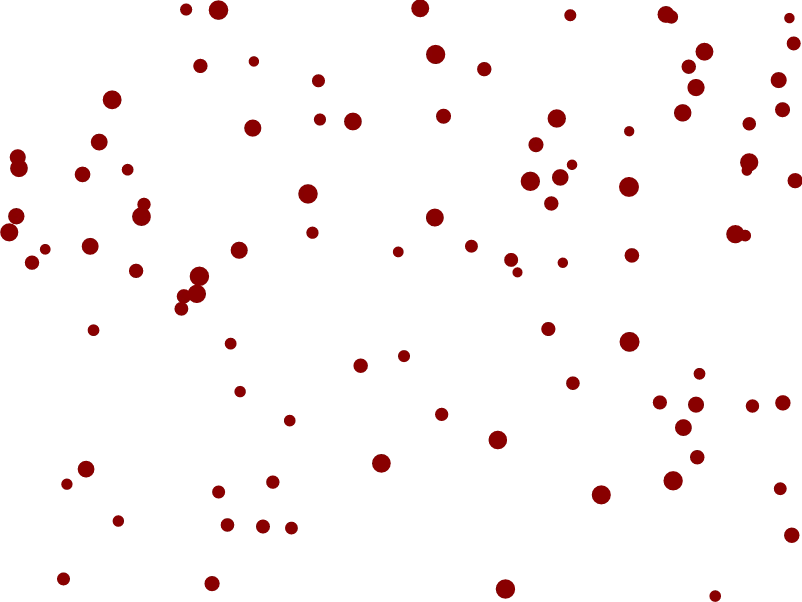 Click-drag to create a bounding box and select multiple points with a center rotation handle.
 -
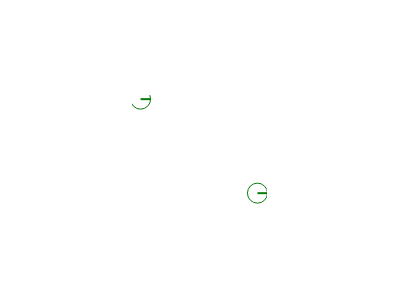 Ray casting & reflection logic for calculating intersection points, bounce angles, and hit detection.
 -
Generates and renders dynamic, randomized point-to-point line paths and horizon lines on canvas.
-
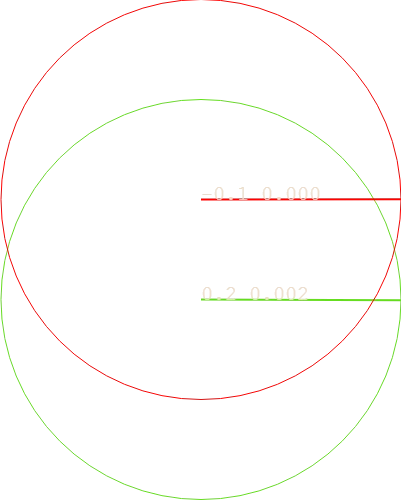 Visualizes random number drift by comparing a raw walk against a bias-corrected gauge system.
 -
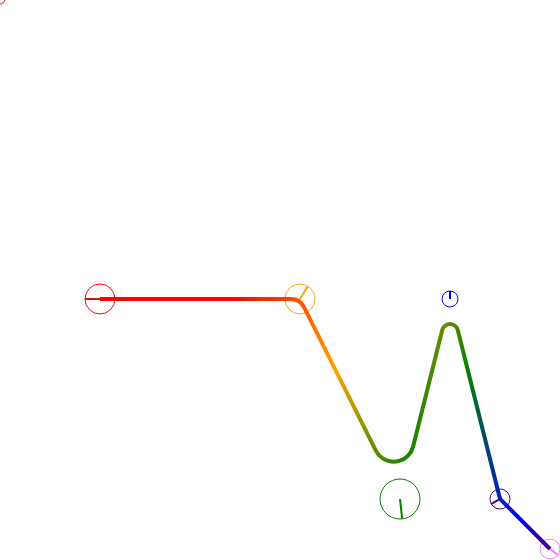 Creates a dynamic rainbow gradient arc path with interactive dragging and smooth curve transitions.
 -
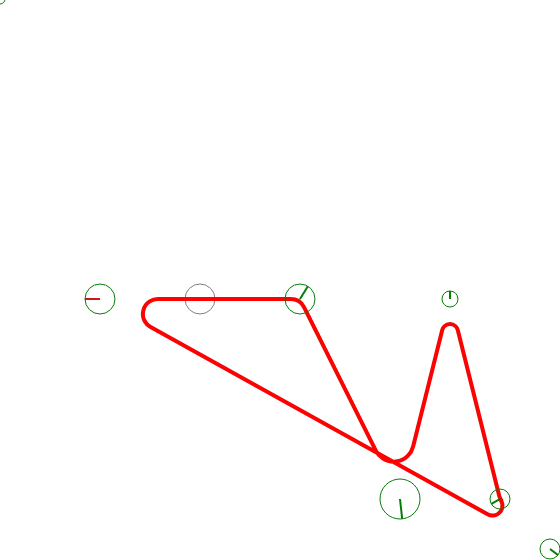 Generates a smooth, continuous rainbow arc by connecting points using dynamic radial curves.
 -
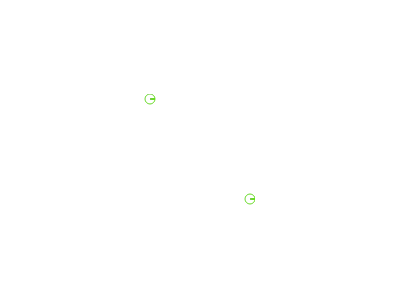 Manage point positions and radius quantization within a dynamic theatrical stage environment.
 -
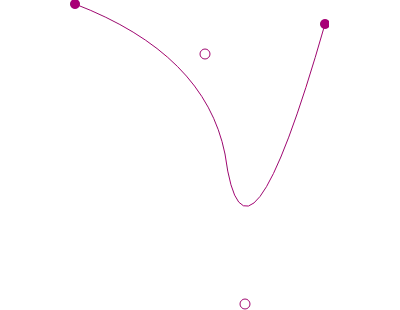 Interactive quadratic Bezier curve generator with draggable control points and smooth paths.
 -
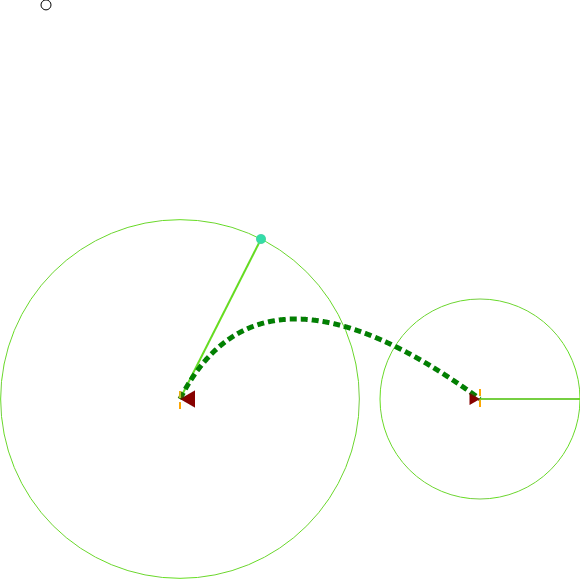 Render dynamic quadratic curves with real-time point coupling and interactive dragging.
 -
Interactive Quadtree visualization for spatial partitioning and dynamic point querying.
-
Manage spatial data with Quadtree-ready Rectangle logic for point containment and intersection.
-
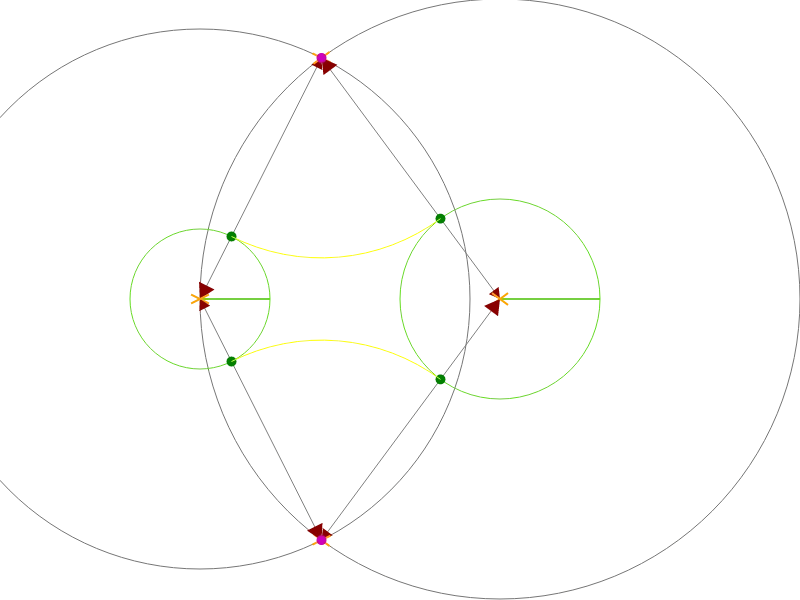 Geometric tool to construct and visualize tangent arcs using intersecting circles and diamond shapes.
 -
Constructs tangent arcs between two circles using a geometric protractor and intersection logic.
-
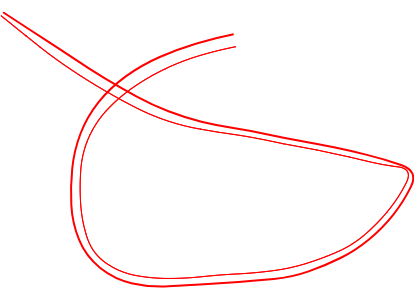 Dual Line Potter Wheel: Captures XY RAD points to create smooth spline walks and dual-path curves.
 -
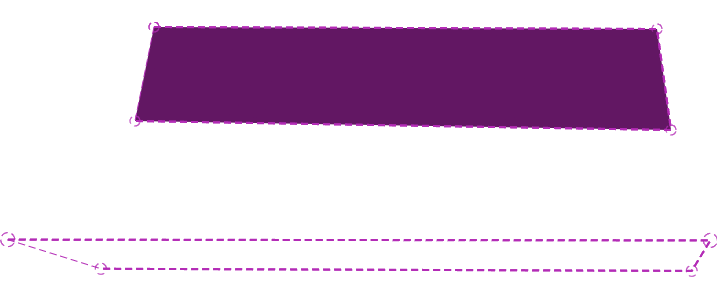 Draw connected lines to form polygons and test point-in-polygon bounds with 3D perspective.
 -
Experience seamless 360° movement using the Pointer Lock API for immersive, FPS-style navigation.
-
Render dynamic line projections and multi-point connections with custom styles and rotations.
-
Raw drawing example demonstrating manual line, polygon, and projection rendering without a Stage.
-
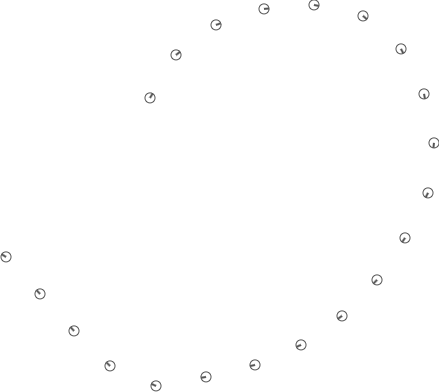 Capture and plot XY RAD point data for timestep captures like spline walks.
 -
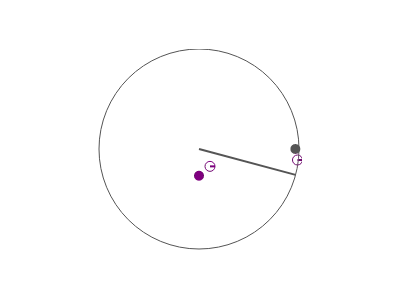 Captures and plots dynamic Sine/Cosine wave patterns using timed point lists and rotation.
 -
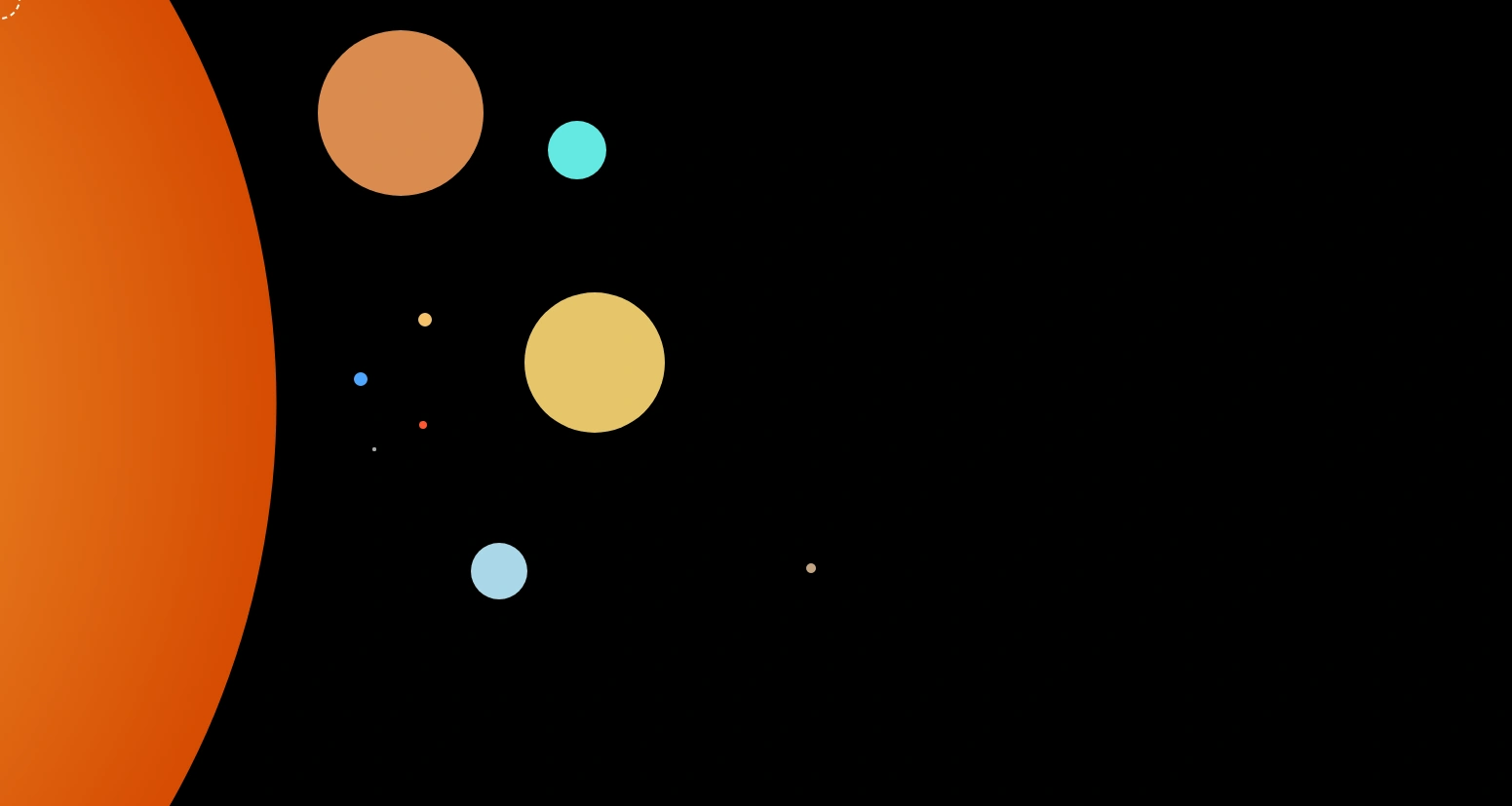 Simulate a solar system with planets orbiting the sun using radial gradients and distance scaling.
 -
A basic interactive stage where a red point follows your clicks and renders to the canvas.
-
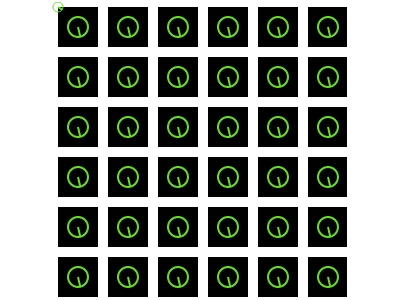 Create repeating textures by generating and applying custom canvas patterns as fills.
 -
Explore geometric relationships through interactive pairs and sibling point structures.
-
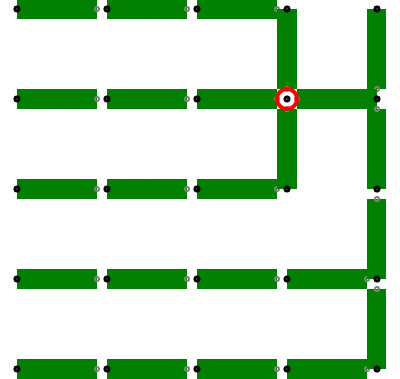 Manage coordinate systems and relative positioning with Origin Shift for dynamic point placement.
 -
 Interactive canvas stage that handles click events to position and render a point object.
 -
 Manage and render offscreen canvas elements with dynamic copying to the onscreen display.
 -
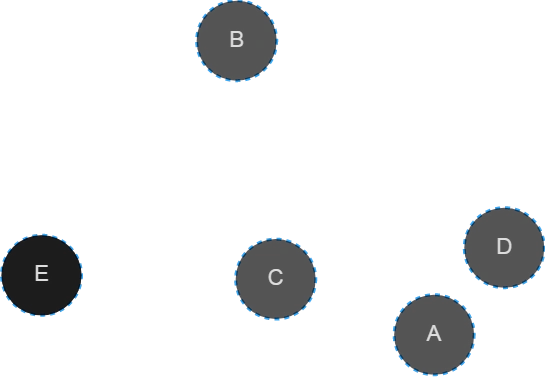 Automatically labels points with alphabetical characters based on their position in a list.
 -
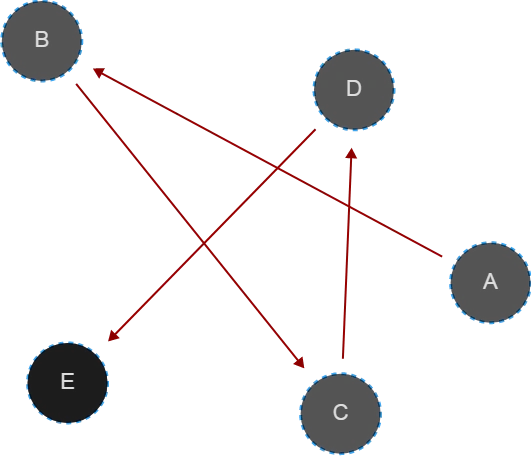 Display a sequence of labeled points joined by paths and directional arrows.
 -
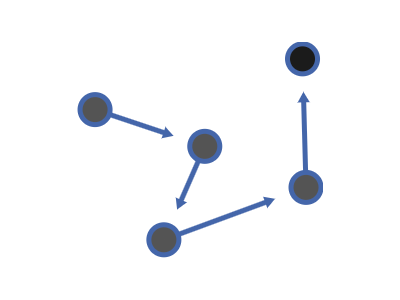 Displays a sequence of points connected by styled arrows and dynamic alpha labels.
 -
A dynamic canvas component that renders custom scripts, handles multi-slot configurations, and displays text content.
-
A dynamic canvas component that renders custom logic, code snippets, and text via slot configurations.
-
MIDI track functions for playing river flows, bumblebee arpeggios, and musical scales.
-
A comprehensive MIDI toolset for handling note events, dial values, and real-time input mapping.
-
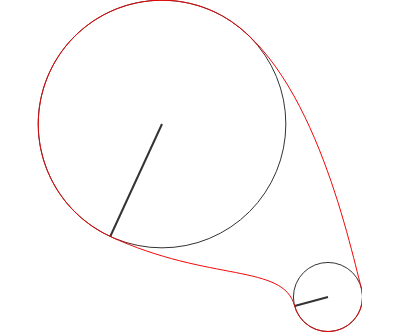 Create dynamic Bezier curves between split points with interactive radius scaling and rotation.
 -
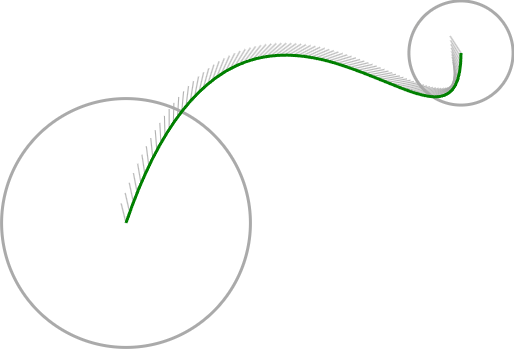
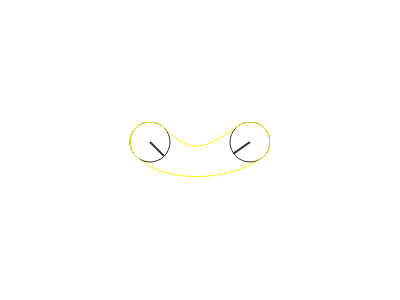 Creates a dynamic Bezier curve tube connecting two draggable points with calculated radii.
 -
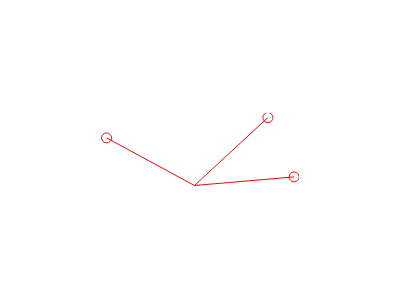 Smoothly animate points towards a target using variable rotation speeds for dynamic motion.
 -
Calculate and visualize a point's orientation and projection relative to the mouse position.
-
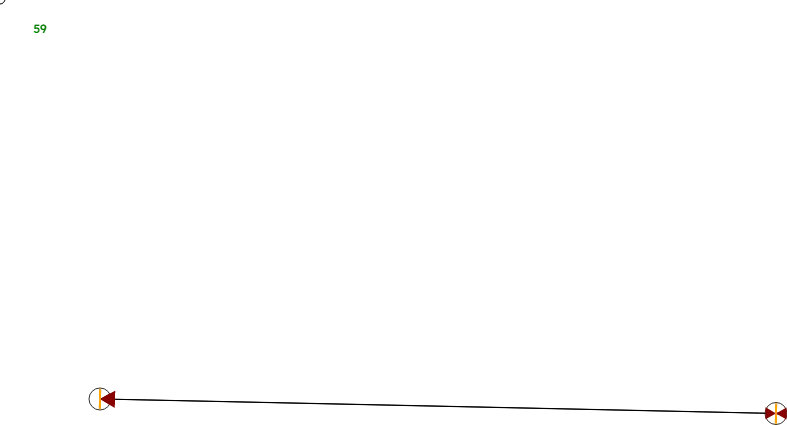 Create dynamic Bezier curves and interactive line bridges with real-time dragging and FPS tracking.
 -
Simulate realistic ball physics with gravity, friction, and bounce within a circular boundary.
-
Simulate smooth, gravity-based rolling of a ball within a circular boundary with realistic friction.
-
A physics simulation featuring a ball bouncing inside a draggable circular boundary with gravity.
-
Simulate a ball bouncing inside a circular boundary with gravity and rolling friction effects.
-
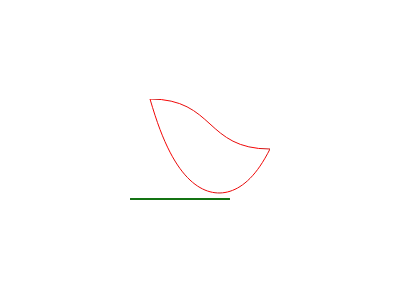 Render straight lines, Bezier curves, and catenary curves using dynamic point projection.
 -
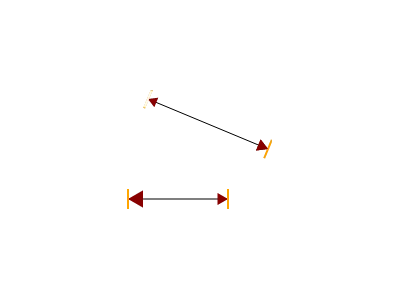 Renders dynamic Catenary and Bezier curves with animated arrowheads and geometric indicators.
 -
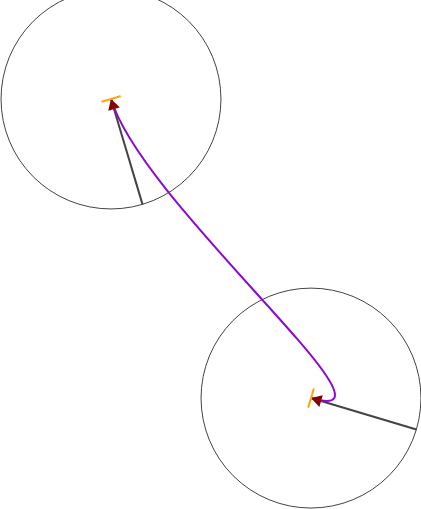 Create elegant, animated curvy arrows using dynamic Bezier curves and iterative point motion.
 -
 Interactive point interaction handling click, drag, and hover events on a dynamic stage.
 -
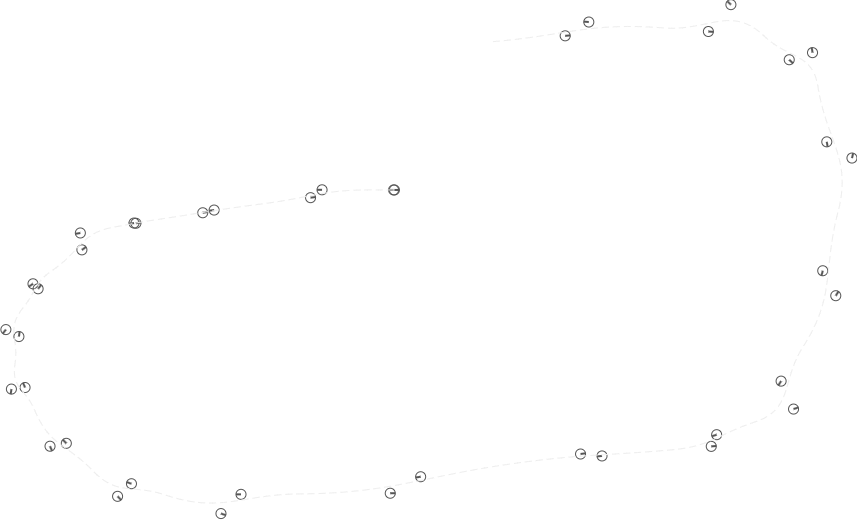 Interactive line drawing and dynamic Bezier curve generation via mouse movements.
 -
 Interactive drag-and-drop point system with highlighters and dynamic visual feedback.
 -
 Visualizes real-time device orientation data (spin, pitch, roll) using motion sensors.
 -
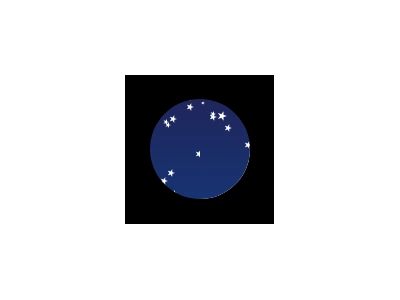 Display a field of stars constrained within a circular clipping mask using canvas gradients.
 -
 Click-hold to draw lines that automatically display their length as a labels along the path.
 -
 Click-hold to draw lines with real-time length labels and dynamic arc angle measurements.
 -
 Create and manage dynamic points using click-and-drag interactions on a main stage.
 -
 Click to spawn and connect dynamic points on a canvas with real-time dragging and drawing.
 -
 Create dynamic circular arcs that trigger point splitting and visual feedback upon completion.
 -
 Render dynamic text and characters on a main stage using the Polypoint engine.
 -
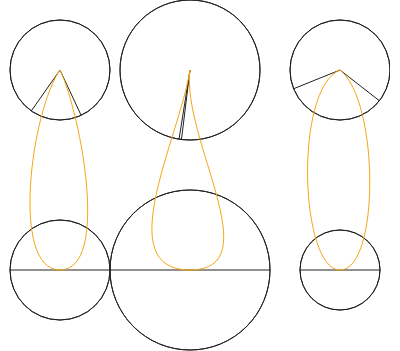 Generates dynamic flame and teardrop shapes using Bezier curves based on origin point geometry.
 -
None
-
 A dynamic canvas stage featuring draggable points, text rendering, and interactive stroke effects.
 -
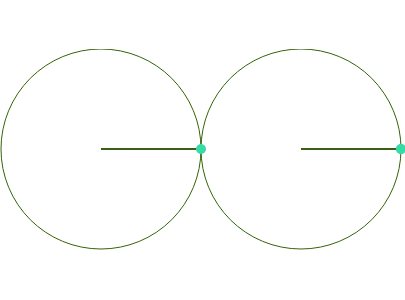 Interactive Bezier egg shape with draggable control points and dynamic distance tracking.
 -
Generates dynamic arc and line loops by calculating concave angles between point radii.
-
Renders smooth arc-based paths and dynamic bisecting lines with interactive dragging features.
-
 Simulate a dynamic 3D-style physics demo where dots bounce and reflect off a curved geometric line.
 -
Manage and render multiple concurrent scenes on a single canvas using a shared base class.
-
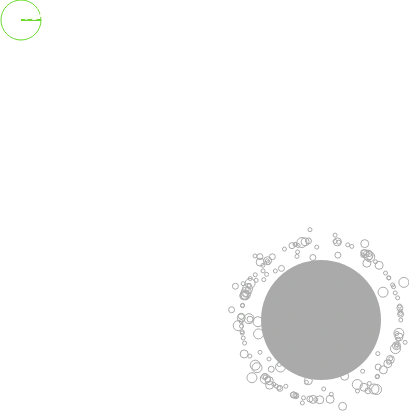 A dynamic particle theater that culls screen-edge points and reacts to point velocity.
 -
 A dynamic celestial visualization of the Sun and Earth with interactive scaling and dragging.
 -
 Capture and export your stage visuals instantly with full and cropped image download methods.
 -
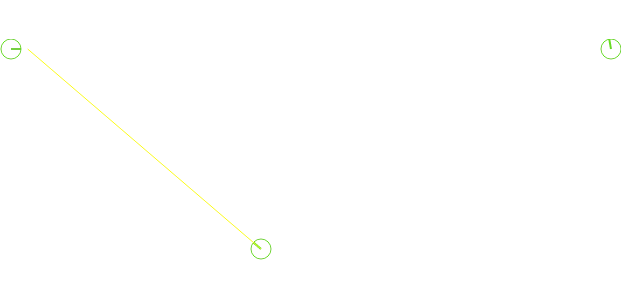 Simulate dynamic line projections and intersection math using interactive point-based geometry.
 -
 Display real-time mouse coordinates and smoothed speed data via a reactive UI widget indicator.
 -
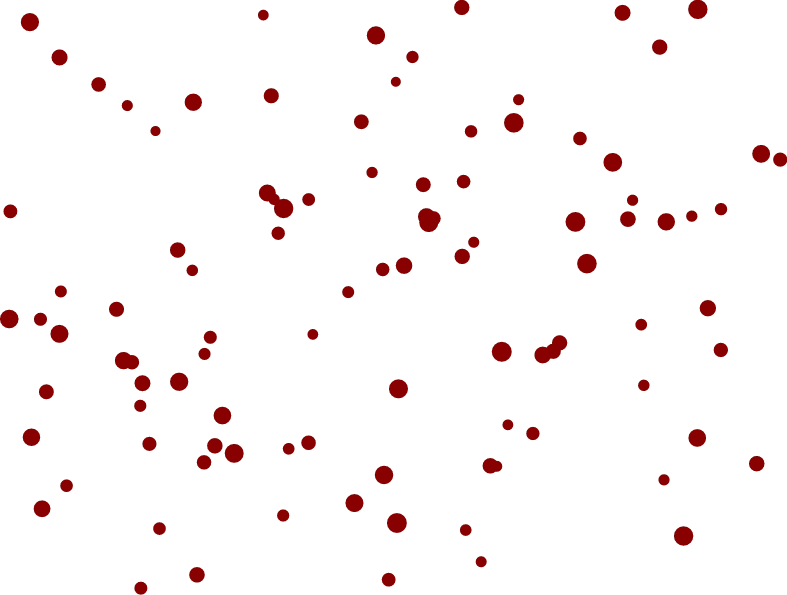 Create a bounding box by click-dragging to select multiple points and manage them with handles.
 -
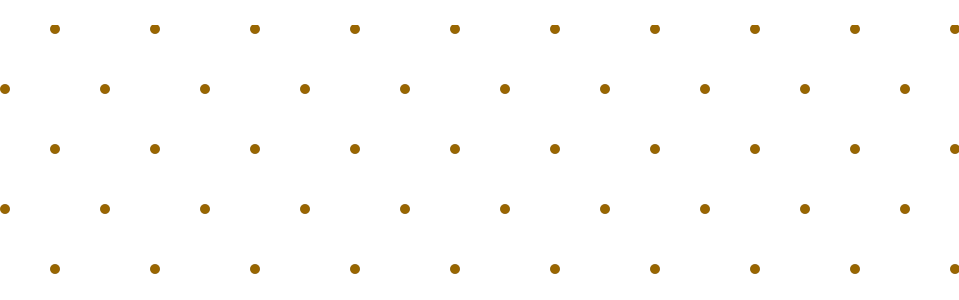 Generate complex geometric patterns like triangular, hexagonal, and cubic grids of points.
 -
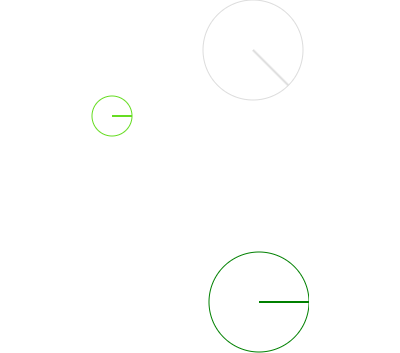 One-way synchronization: updates flow from the primary node to coupled points without feedback.
 -
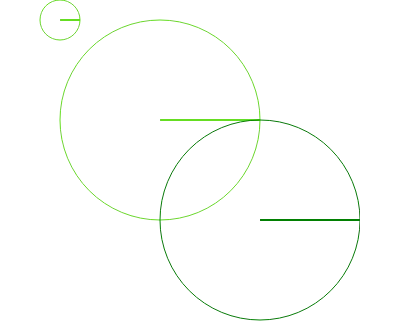 Sync and link multiple points with relative offsets for real-time, bidirectional updates.
 -
 None
None -
 None
None -
 None
None -
 None
None -
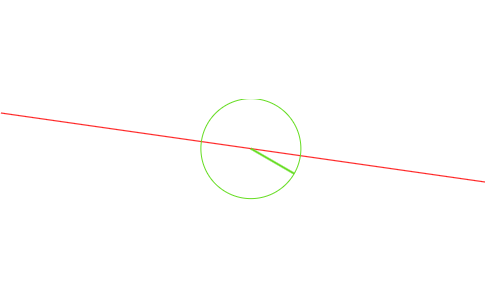 None
None -
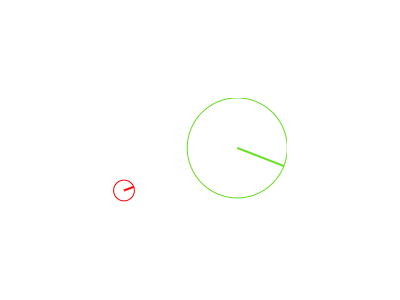 None
None -
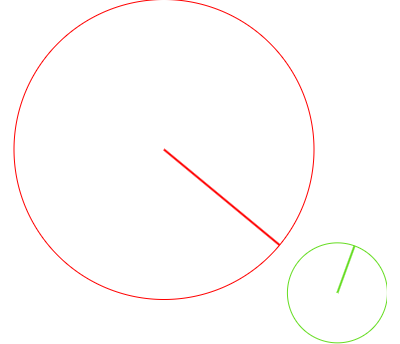 Anchor points together using a ray lock that reacts to manual dragging actions.
 -
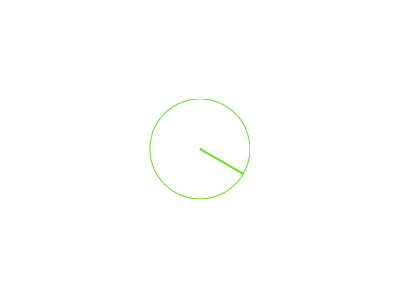 Interact with a draggable point that locks its orientation and shows a visual indicator.
 -
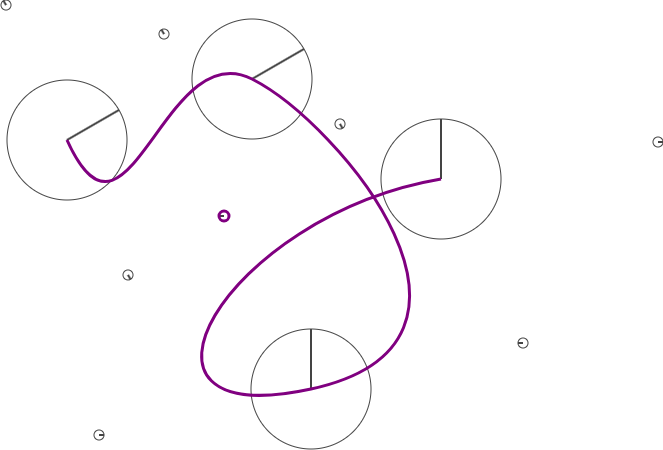
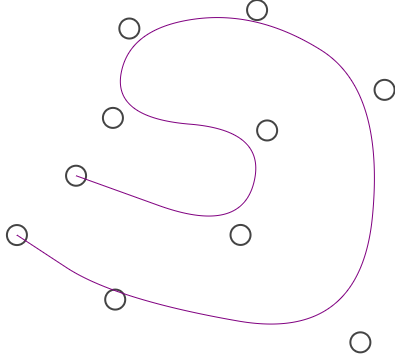 Show a collection of draggable points linked by smooth purple curves.
 -
None