offscreen Examples
The theatre provides a presentation layer for files in the
theatre/directory
The theatre files showcase Polypoint features.
The files within this directory are just standard JavaScript files.
They work in a standard setup, but the Polypoint site will access additional meta data within the file, such as title and imports.
Checkout the source code within the theatre directory or run one of the examples.
offscreen: 10 Examples
Theatre files
-
 Render to an offscreen canvas for seamless background processing and silent UI updates.
 -
Render graphics using an OffscreenCanvas and copy them to the main screen for optimized performance.
-
 Explore multiple approaches for rendering using OffscreenCanvas and the copyToOnScreen method.
 -
Render content on an OffscreenCanvas and sync it to a visible canvas for high-performance output.
-
 Perform high-performance rendering using OffscreenCanvas and push results to the visible UI.
 -
 Render graphics on an offscreen canvas and sync them to the visible screen for optimized performance.
 -
 Render content on an OffscreenCanvas and sync it to the visible screen for optimized performance.
 -
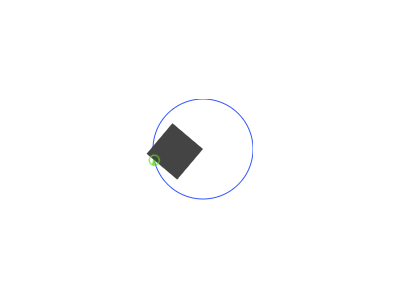 Render complex graphics using an OffscreenCanvas, then project them onto the main stage as images.
 -
 Manage high-performance rendering by transferring canvas control to an OffscreenCanvas context.
 -
 Render offscreen canvas content as high-performance ImageBitmaps for scalable drawing.