binding Examples
The theatre provides a presentation layer for files in the
theatre/directory
The theatre files showcase Polypoint features.
The files within this directory are just standard JavaScript files.
They work in a standard setup, but the Polypoint site will access additional meta data within the file, such as title and imports.
Checkout the source code within the theatre directory or run one of the examples.
binding: 15 Examples
Theatre files
-
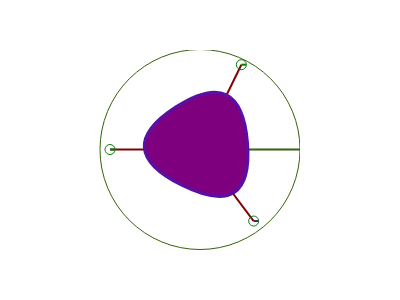 Flood fill a PointList of tethered points to create dynamic, interconnected geometric shapes.
 -
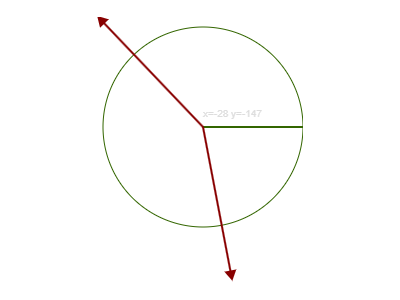 Manage tethered vector points with drag-and-drop functionality and dynamic distance tracking.
 -
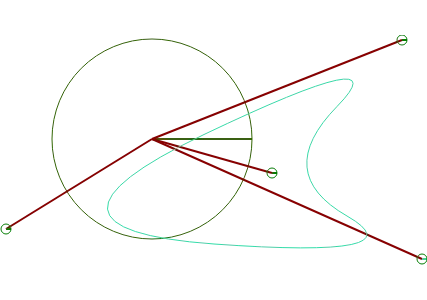 Create and manage dynamic tethered polygon shapes with interactive point generation and curves.
 -
 Create semi-hierarchical links where a parent point dynamically manipulates and moves its tethered children.
 -
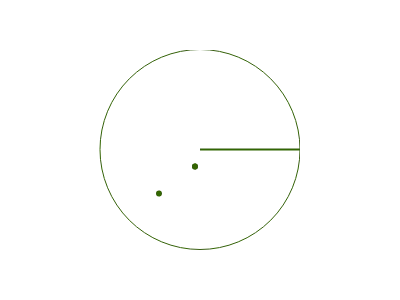 Generate and manage point clusters using random and Gaussian distributions for dynamic visuals.
 -
 Manage a dynamic list of points that rotate around a central focal point in real-time.
 -
 Rotate points around a central anchor using tethered logic and dynamic point generation.
 -
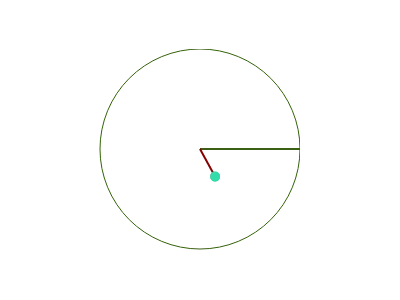 Create a multi-point tethered system with dynamic point generation and physics-based connections.
 -
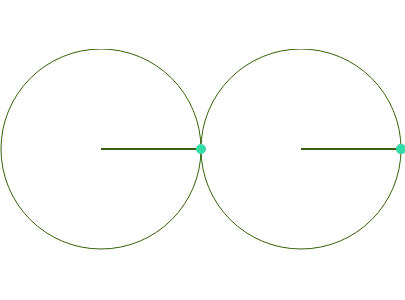 Interactive Bezier curve manipulation with draggable control points and real-time distance syncing.
 -
 Create a mirrored behavior where the second point dynamically follows and reflects the first point's rotation and radius.
 -
 Sync movements: Link two points so that dragging one automatically affects the other's XY position.
 -
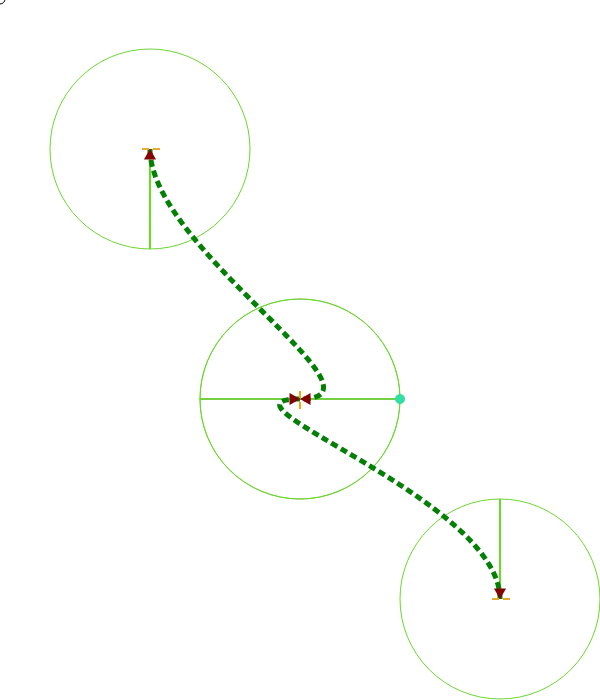 Create synchronized Bezier curves where points mirror rotations and movements in real-time.
 -
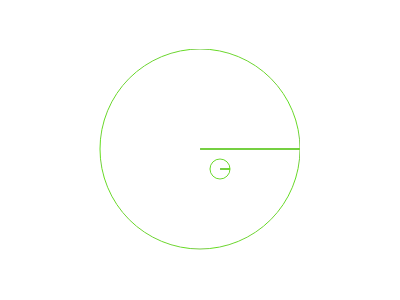 Manages the primary canvas and point relationships for interactive stage interactions.
 -
 Learn how to bind and synchronize properties between points using the Coupling function.
 -
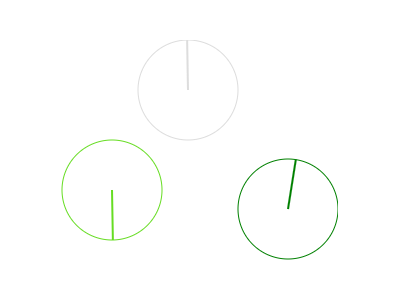 Manage synchronized movements by coupling multiple points to share properties like position and rotation.